Setup steps ( installer or owner ):
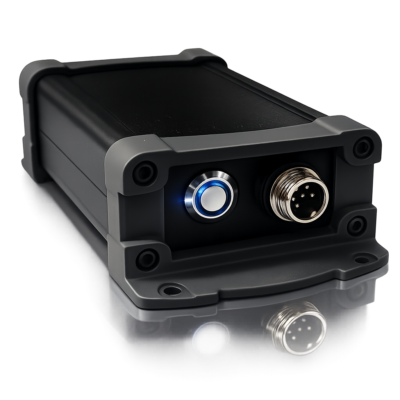
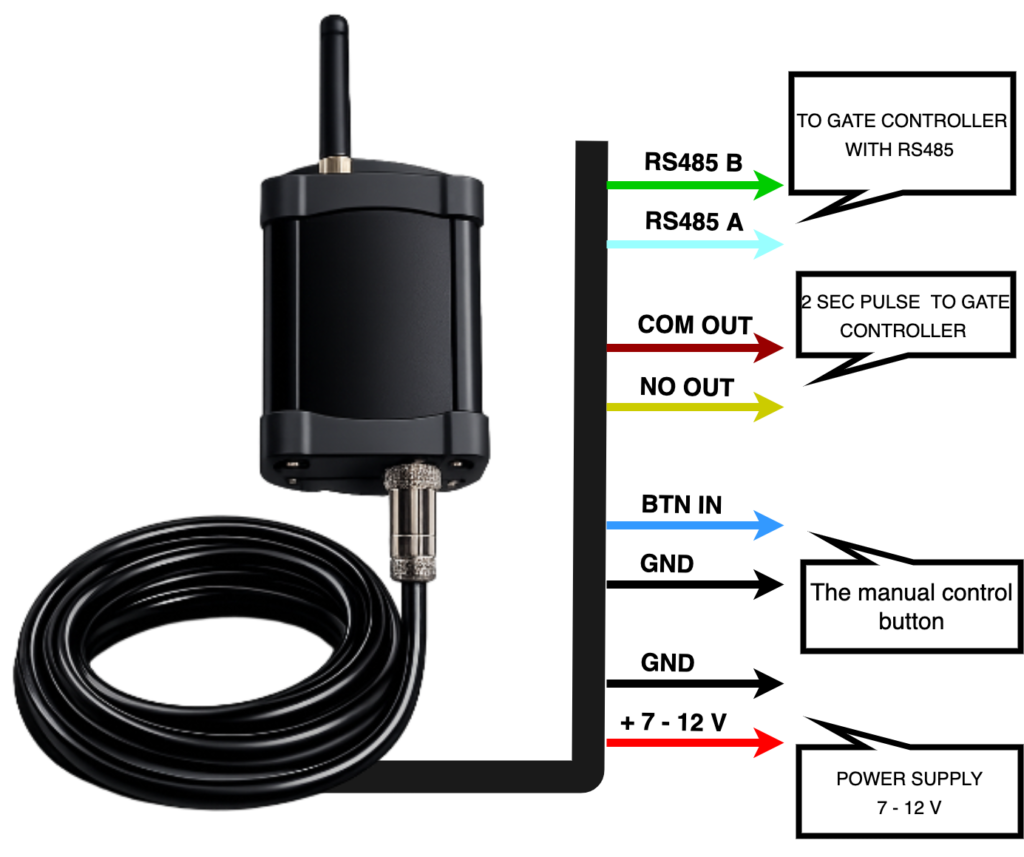
Buy the DVC GATE module (GSM or Wi-Fi) at http://division.business and connect it to your standard gate controller ( link to the manual below ):
Register the module at https://gate.dvc-cloud.com
Enter your phone number and email
Enter the Device ID (it is on the module case)
Add the Object name and address where you are installing the DVC GATE module
Click “Send Code”
Go to the “Service Users” page
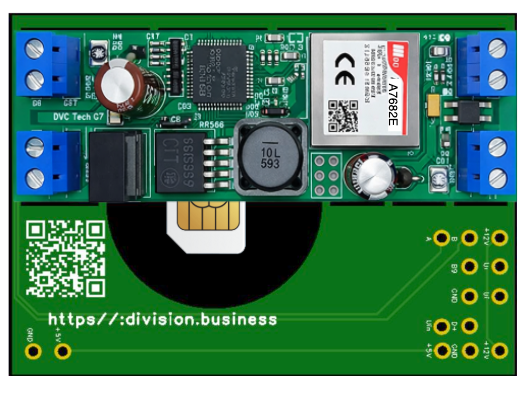
- Open the DVC Gate module and insert the SIM card as shown in Figure 1
Connect the module to a 12V power supply and to the input terminals of the standard gate controller.
User steps:
Install the DVC GATE app from Google Play / App Store
Open the app, enter your email and phone number, and get a confirmation code by email (done once)
The control interface for all your objects registered in the cloud https://gate.dvc-cloud.com will activate automatically.
That’s it — choose a theme you like and start using the app!
( Full version manual: https://division.business/dvc-gate-module )
For equipment selection and technical support, contact us. We’ll help you figure things out and choose the right solution.
More information about DVC Tech’s projects