

PurposeThe Controller Command Console is designed to test data communication between the server, modem, and devices connected via the RS485 interface. It allows users to send commands to remote devices and receive responses through the modem.The main purpose of the console is to help engineers verify that commands are transmitted...
DVC POINT Monitor COMPACT (LTE) Functions
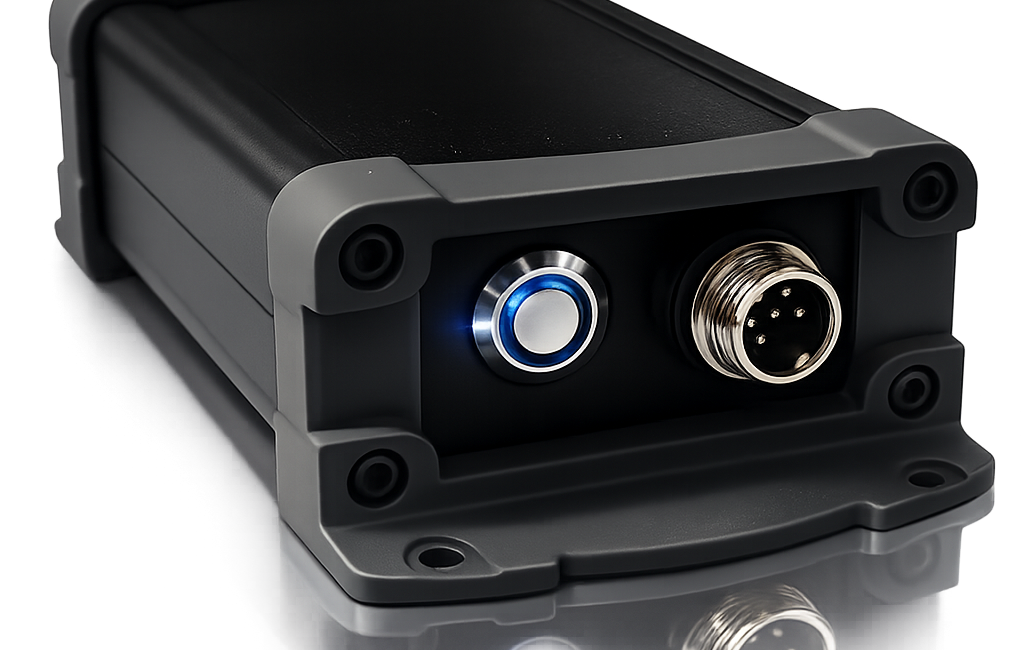
FUNCTIONS OF MODULES DVC POINT Monitor COMPACT (LTE) Universal LTE Monitoring Module for Engineering Systems /Manual/ 1. Purpose Remote monitoring of engineering systems and sensors in real time Connection to the DVC CLOUD service Sensors with RS485 & 0-5 V are Available Data acquisition from sensors and RS-485 devices Centralized...
DVC POINT Monitor COMPACT (Wi-Fi) Functions
FUNCTIONS OF MODULESDVC POINT Monitor COMPACT (Wi-Fi)Universal Wi-Fi Monitoring Module for Engineering Systems/Manual/1. PurposeRemote monitoring of engineering systems and sensors in real timeConnection to the DVC CLOUD serviceSensors with RS485 & 0-5 V are AvailableData acquisition from sensors and RS-485 devicesCentralized control of multiple objectsAccess via web interface and mobile...
DVC POINT Modem Board (LTE) Functions
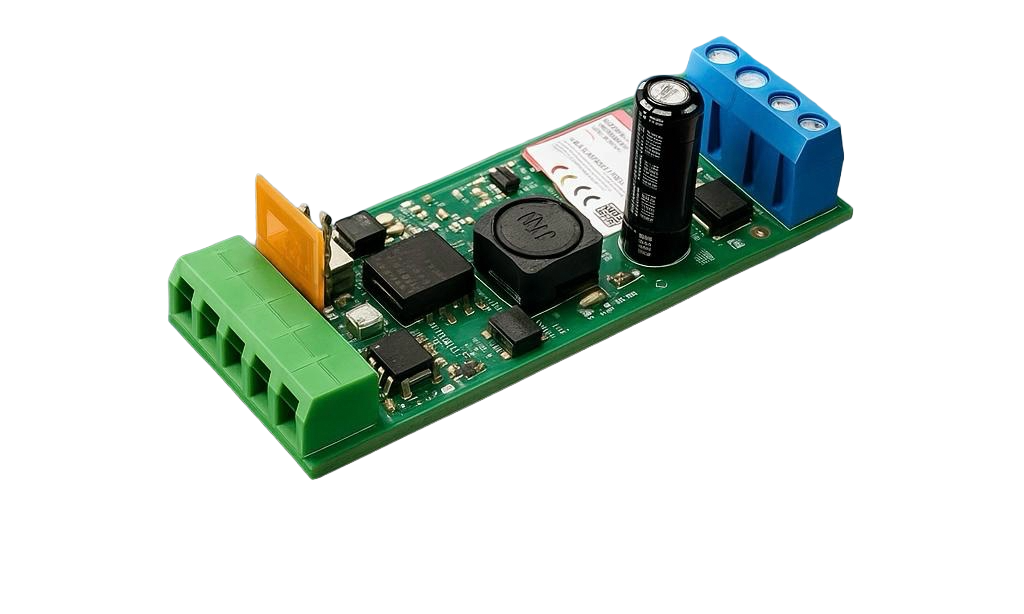
FUNCTIONS OF MODULESDVC POINT Modem Board (LTE) Functions /Manual/This modem series is a key component in Smart City systems and is designed for industrial and home automation systems, dispatching, engineering equipment monitoring, and remote data collection from meters and sensors. They are also used for controlling gates...
DVC POINT Modem Board (Wi-Fi) Functions
FUNCTIONS OF MODULES DVC POINT Modem Board (Wi-Fi) Functions Universal transparent WiFi Modem RS485 - TCP/IP /Manual/Wi-Fi ISO: Optically isolated RS-485 interface, output opto-relay (load up to 400V / 150 mA)This modem series is a key component in Smart City systems and is designed for industrial and home automation systems, dispatching,...
DVC POINT Monitor CABINET (Wi-Fi) Functions
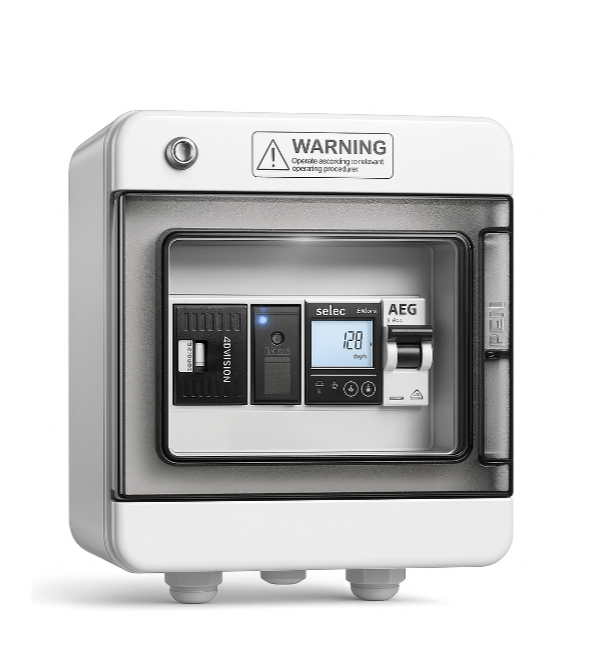
FUNCTIONS OF MODULES DVC POINT Monitor CABINET (Wi-Fi) Universal Wi-Fi Monitoring Module for Engineering Systems /Manual/1. PurposeRemote monitoring of engineering systems and sensors in real timeConnection to the DVC CLOUD serviceEnergy consumption monitoring (single-phase and three-phase meters)Data acquisition from sensors and RS-485 devicesCentralized control of multiple objectsAccess via web interface...